Summit Sales Awards · buyer guide
What belongs in a sales awards approval sheet
A sales-award approval sheet should connect each physical piece to its approved result, inscription, design, quantity and release state. Summit Sales Awards buyers worldwide need both company result approval and artwork approval. A list of names or a checked design proof alone does not establish which sales figures may be engraved.
Reviewed 2026-09-05 · AI-assisted editorial review. General buying guidance; illustrative scenarios are not customer case studies. Images are AI-generated concepts.
Keep the underlying business result separate from the text that will appear on the object. The company may approve a concise public statement derived from a more detailed internal record. Production needs that approved statement and a traceable reference, not unrestricted access to the sales data behind it. The sheet should make the authorized output clear without copying unnecessary confidential information.
How should source text connect with final artwork?
Adobe explains that converting text to outlines removes its text properties and normal text-control editability. Retain the exact approved inscription strings in a controlled source record as well as the released production artwork. This makes it possible to compare the text after layout and to manage an authorized correction coherently.
The source sheet and visual proof serve different roles. The sheet organizes fields, counts and approvals; the proof shows the proposed physical arrangement. Neither should silently override the other. If a correction is accepted in the proof, update the source field and identify the matching final artwork revision.
Avoid relying on a file name such as final-final to communicate approval. Use a stable order reference, revision and explicit release state. The person preparing production should be able to identify the current authorized set without reconstructing a long chain of comments and screenshots.

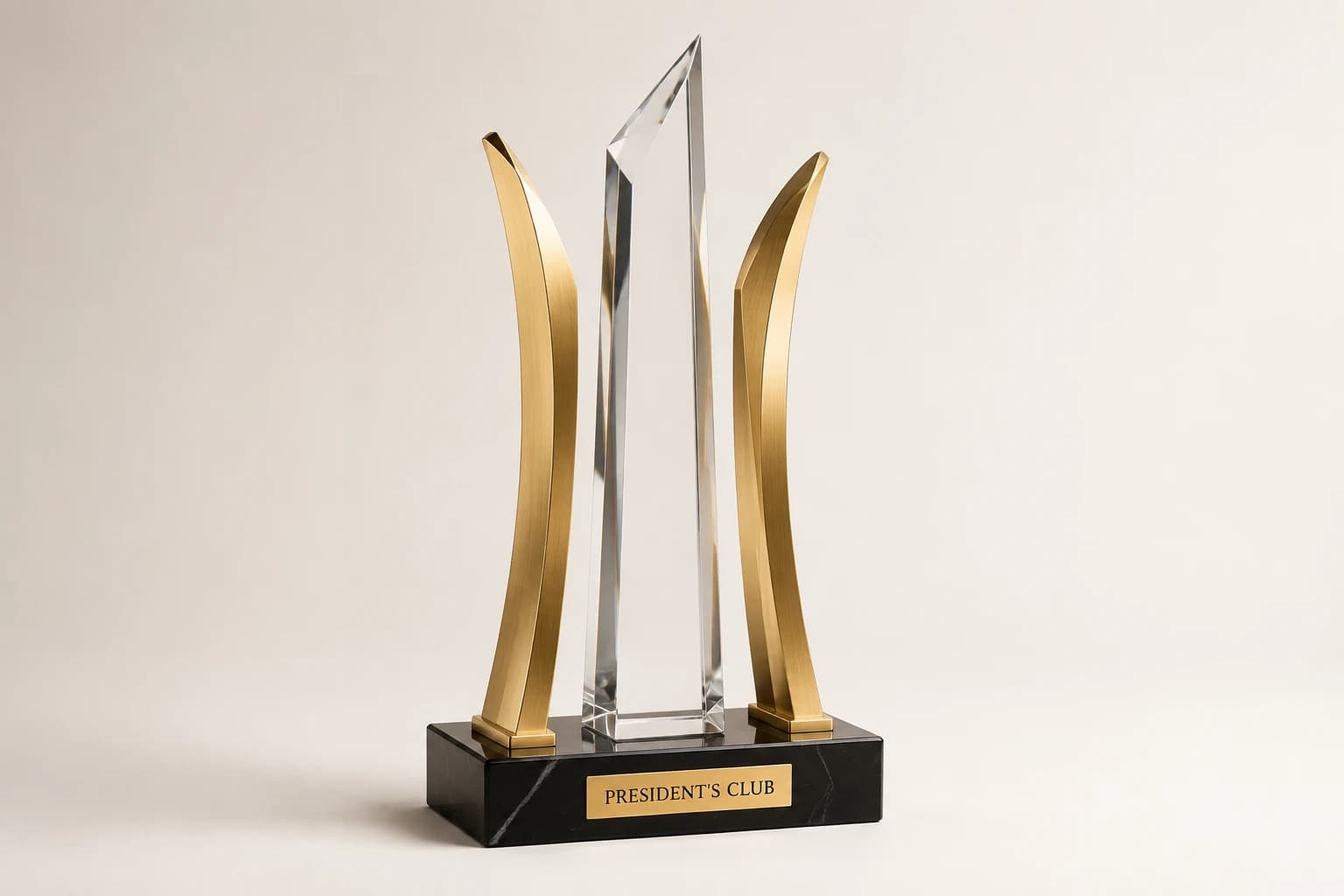
Sources: Adobe: Create outline text in Illustrator on the web
Why give each physical award an item reference?
An item reference should stay with the piece when the sheet is sorted by recipient, category, design or delivery group. It can link the company-approved result, exact inscription and physical variant without exposing sensitive internal account identifiers on the public object.
Keep recipient reference and display name separate. The reference helps the organization distinguish people or teams in its private workflow, while the display name is the exact text approved for the award. Do not change punctuation, accents or name order merely to make the sheet sort neatly.
If the same person receives several categories, use separate item references or a clearly approved combined-item record. The sheet must show the physical treatment. A recipient count and an object count can differ, and neither should be inferred from the number of visible name rows without a stated convention.
Which approved result fields belong in the sheet?
Record the public category title, metric, period, rank and amount only where those fields are part of the approved inscription. Keep the currency with any monetary amount. A field can be intentionally unused; that is different from an unresolved value that someone is expected to fill later.
Identify the result-approval reference and responsible owner. A visual reviewer may confirm the spelling and layout without having authority to validate a sales rank. The sheet should not turn that design approval into a claim that the underlying company result has been checked.
Use exact display strings for fields whose formatting matters. The company may have approved a particular fiscal-year label, numeric precision or currency representation. Preserve that form through the proof rather than allowing a spreadsheet export or layout default to create an unreviewed variation.
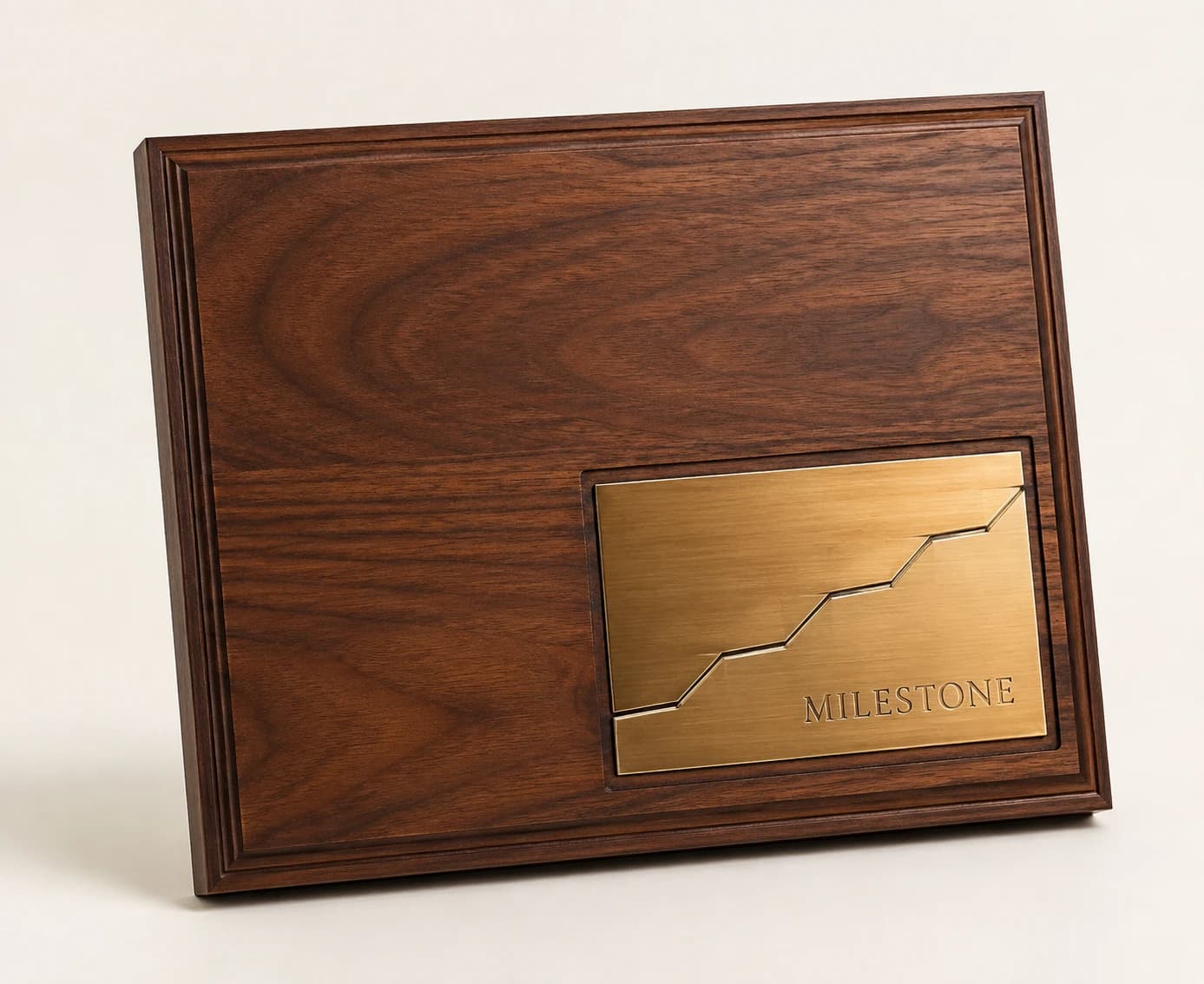

How do you specify the object separately from its message?
Include the selected design or product reference, variant, quantity and any approved construction options. An identical inscription can appear on different objects, while one design can carry many different recipients. The sheet should make both relationships clear for every approved item reference.
Keep packaging and receiving allocation as separate fields or linked records. A presentation box, a consolidated office shipment and an individual remote delivery are not implied by the award title. Describe the agreed scope so the quote and packing request can be reconciled with the physical inventory.
If alternatives are still being considered, mark them as options rather than released line items. The supplier should not manufacture both proposed designs because they both appear in a spreadsheet. Identify the selected option and remove or clearly supersede the unselected one before release.
Illustrative example: how do twenty planned awards have different release states?
A fictional order contains fifteen qualification pieces, three ranked trophies and two shared team awards: twenty physical objects. The qualification group has approved results and proofs. Ranked pieces await result approval; team pieces await layout approval. The full purchasing plan therefore contains twenty items, while each group has a different release state.
Entering those three groups in the linked calculator gives twenty pieces. That is an inventory total, not authorization to produce all twenty. The downloadable worksheet separates result approval, proof approval and release state so the remaining decisions cannot be hidden by a correct grand total.
If the company authorizes only the fifteen qualification pieces for an initial release, record that release explicitly and retain the other five as held items. Do not rename the whole twenty-piece file approved and expect production to infer the exception from a meeting note. A partial release needs clear scope and agreement with the supplier.
When the ranked results and team layouts are approved, issue the relevant release revision and reconcile it with the original order. If the physical scope remains unchanged, the total can stay twenty while the release state changes. If quantities or variants change, update the quote and receiving allocation as well.

Use the article’s example files
The worksheet contains fictional groups, amounts or approval placeholders. Replace them with authorized program information; it is not an approved sales result or a production release.
Separate the approval responsibilities
Keep result approval, text verification, design approval, quantity reconciliation and production release distinct on the order record. They establish different decisions even when one person performs several roles. A checked proof confirms its visual scope; it must not silently release held results, new quantities or a later file revision.
| Option | What this option establishes | What remains a separate decision |
|---|---|---|
| Result approval | The company authorizes the public category, rank, amount and period. | The physical layout or a production-ready design. |
| Text verification | The inscription matches the exact approved strings. | The authority or accuracy of the underlying business result. |
| Design approval | The selected object and visible arrangement are accepted. | Current shipping scope or permission to use provisional data. |
| Quantity reconciliation | The piece count and design mixture match the chosen order. | Release of rows with unresolved results or proofs. |
| Production release | The specified current files and items are authorized to proceed. | A blanket approval of later changes or superseded alternatives. |
How should missing approvals be recorded?
Use explicit states such as awaiting result, awaiting proof and approved for release according to the project's workflow. Avoid a blank cell that can mean either no approval is needed or nobody has checked it. Define the states in a short note and use them consistently.
Give every held item an owner and a specific unresolved field. A note saying check this is less useful than identifying the rank statement awaiting the result owner's approval. Keep the held set separate from the files used for the current production release.
If a deadline approaches, present the unresolved scope to the program owner with concrete options. Do not change a held state to approved merely to make the sheet complete. The purpose of the approval record is to expose the decision that still needs to be made.
What must a late correction identify?
For a correction, identify the item reference, old value, new approved value and affected proof. Update the source record and issue the matching artwork revision. A message in a separate chat is not a reliable replacement for the released production instructions.
Confirm the production state before promising that a late change can be included. A text field may be easy to edit in a spreadsheet after the physical object has already been engraved. The supplier's response should identify what can still change and what requires a separate correction or order.
Retain superseded releases as history with clear status, rather than leaving several apparently active files in the same folder. The latest file should not erase the record of what was originally authorized. That history can matter when receiving an item or resolving an unexpected result.
How do you reconcile the delivered order?
At receipt, match the objects to the item references, design variants and approved inscriptions. Check the category mixture and individual fields as well as the total quantity. Twenty objects can still contain a wrong rank, swapped recipient or missing team award.
Record discrepancies against the same references used in the approval sheet. A replacement or correction should identify which original item it resolves so it does not become an unexplained extra piece. Keep any accepted final change synchronized with the retained source and artwork.
For the next recognition cycle, reuse the sheet structure and field definitions but create a fresh approved roster and result set. Historical approvals explain a past order; they should not be copied into a new cycle as if the company has already approved its future winners.
What should you confirm before ordering?
An approval sheet should show which decisions are complete and which pieces remain held. Keep commercial scope, company results and artwork references connected but separately reviewable. These answers explain incomplete rosters, partial releases and late corrections so one approval cannot silently authorize work beyond the accepted item list.
What pricing details belong beside the approval sheet?
Keep a quote reference with the selected construction, quantities, personalization and any separately priced setup, packaging or delivery. Link each approved piece or group to that scope. Summit Sales Awards needs the released item list to reconcile a purchase; a proof approval should not silently authorize extra objects or changed commercial terms.
Is a list of names enough to approve a sales-award order?
No. Connect each piece to its category, approved result statement, design, quantity and final proof. Identify who can authorize the result and which rows are released for production. Keep the item reference stable when the spreadsheet is sorted. That reference should connect the approved inscription, physical variant and receiving allocation without relying only on a person’s name.
Does approval of the artwork confirm the sales figures?
Only if the appropriate company result owner has explicitly approved those figures as part of the process. A design review alone should not be treated as financial or ranking validation. Record the result owner’s approval separately from the visual review. A correct font, line break or spelling check cannot establish whether the financial period or amount is correct.
Can we release part of the order?
Use an explicit item-level release scope agreed with the supplier. Keep unresolved rows held and reconcile later releases with the original quantity and design plan. State exactly which item references and quantities may proceed. A partial release should not make a held rank or unfinished team inscription appear approved because it shares the same file.
What should a late correction identify?
The item reference, exact approved change, affected source and proof revision, and current production state. Update the controlled files rather than relying on an isolated message. Identify which earlier instruction is superseded and who approved the replacement. Confirm the supplier’s response to the current production state before assuming that the changed file can be used.
Sources and scope
The sources below support the cited technical details. The ordering workflows are editorial recommendations. Your project specification, price and schedule are established in the written quote and approved proof.
- Adobe: Create outline text in Illustrator on the web · checked 2026-09-05
Which buying guide should you read next?
All buying guidesKeep the approved amount, currency and reporting period together. Format the inscription clearly without converting, rounding or redefining the sales result during artwork preparation.
Separate design preparation from final-result personalization, then compare the actual result-release date with a schedule built from confirmed production and delivery inputs.